cPanel, Plesk and similar panels have been the standard way to manage servers for years. But each is installed on the server as separate software, uses memory, runs an admin page exposed to the internet, and usually needs a license per server or account.
What does panel-free management mean?
The server runs only what your sites need: web server, database, PHP. Management happens from your computer over an encrypted SSH connection, and Captanel puts a clear window on top of it.
What do you gain?
- Smaller attack surface: no admin page exposed to the internet
- More memory: without panel software, resources go to your sites
- No license: no per-server panel fee; many servers in one window
- Portability: switching providers does not mean reinstalling a panel
Where are the jobs you know from panels?
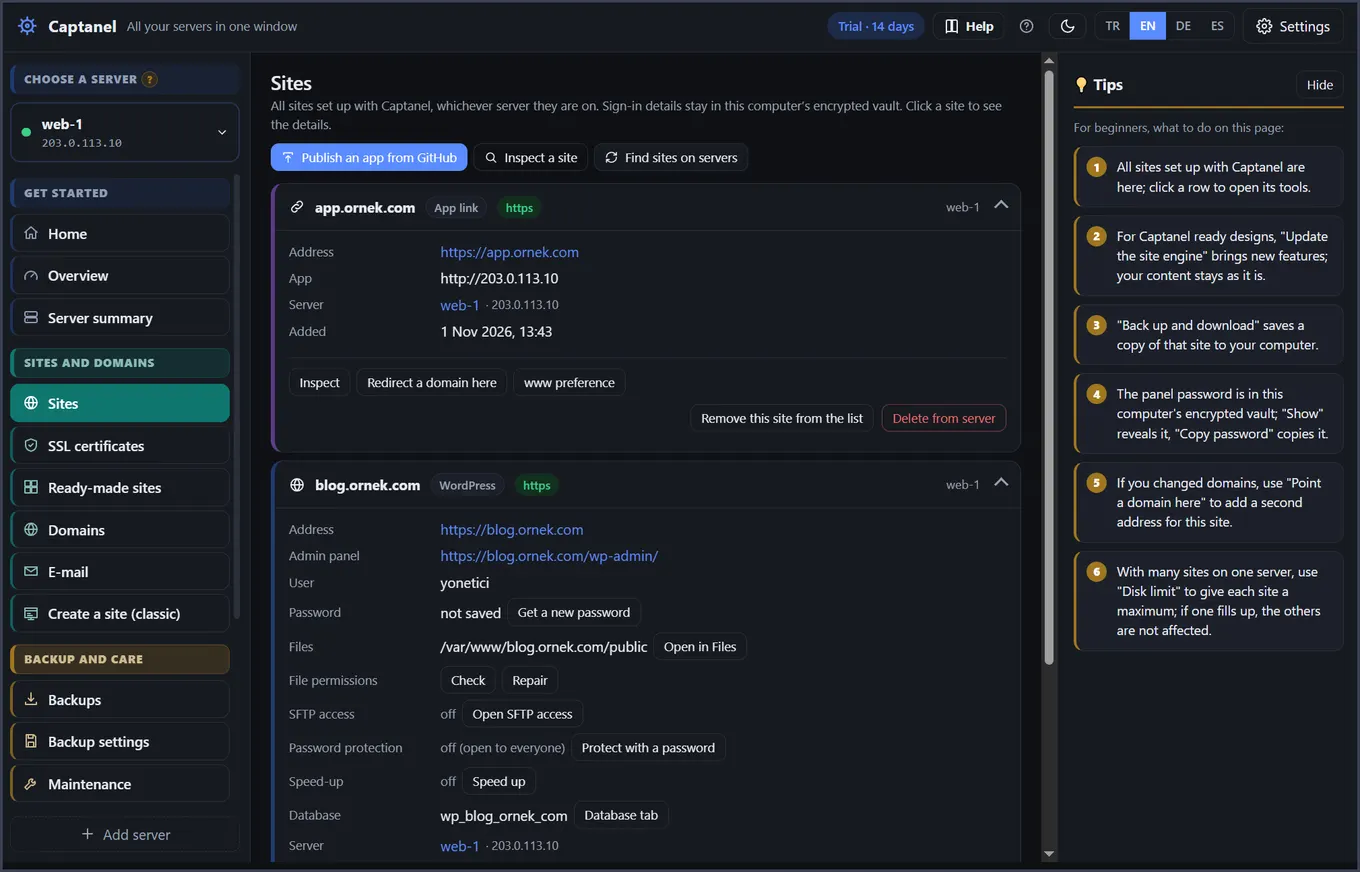
- Sites and WordPress: the Sites screen, one click
- SSL: SSL certificates screen; renews by itself
- Email: Email screen; Mailcow is installed, and DNS records are written for you if your domain is on Cloudflare
- Databases: Database tab; browse tables and run SQL
- Files: Files tab; drag-and-drop upload
- Backups: Backups; automatic, with one-click restore
How do you switch?
Create a new server and add it to Captanel, move your sites with the migration tools and point your domain to the new server. Keep the old panel running until you are sure everything works.
Read more: cPanel alternative: manage servers without a panel · Try it free for 14 days