Captanel help
Help center
Step-by-step guides for Captanel.
6 guides
# no need to memorise these: one click in Captanel
$ apt-get install -y nginx mariadb-server php-fpmWordPress
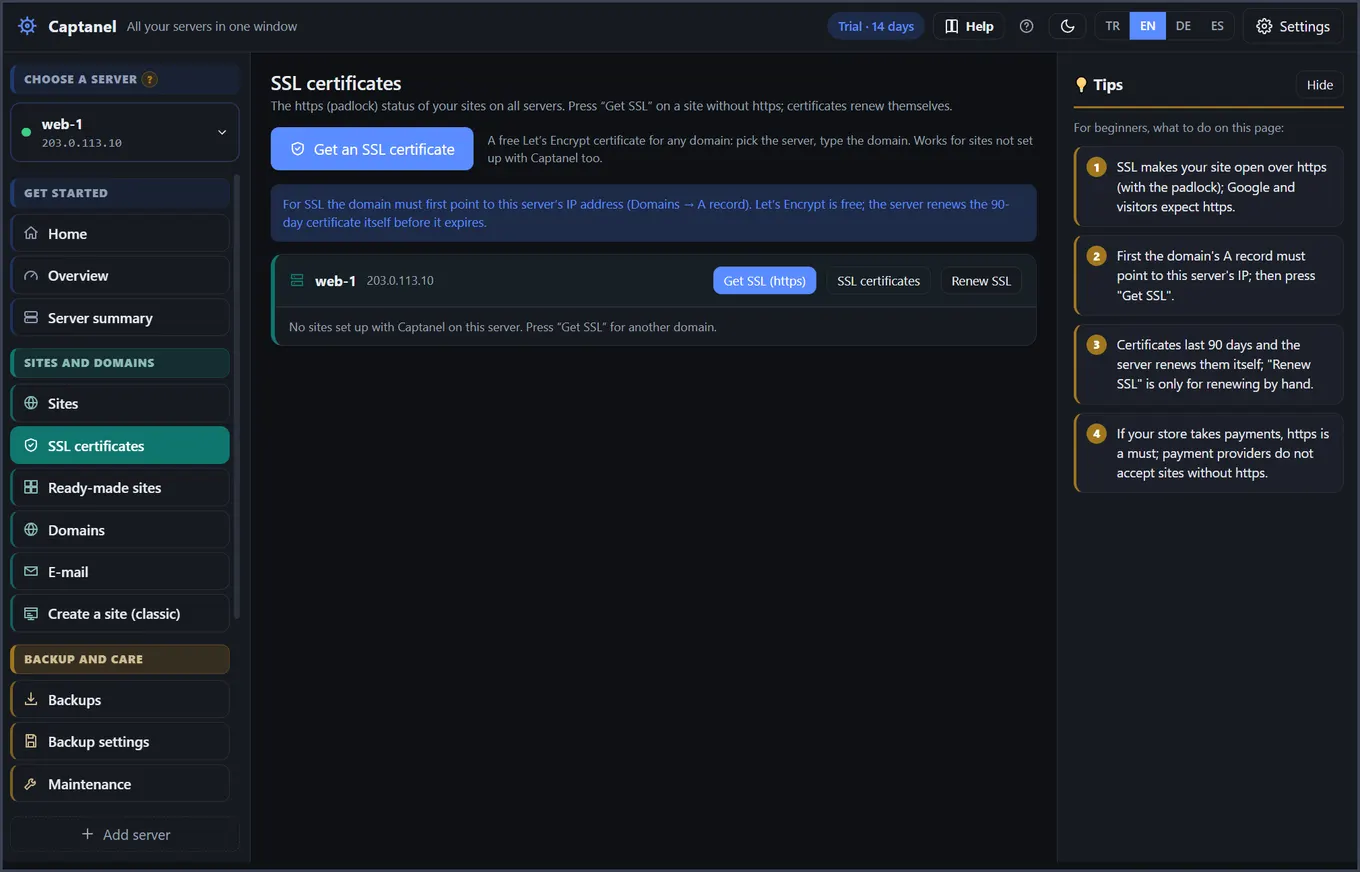
$ certbot --nginx -d example.com --redirectSSL
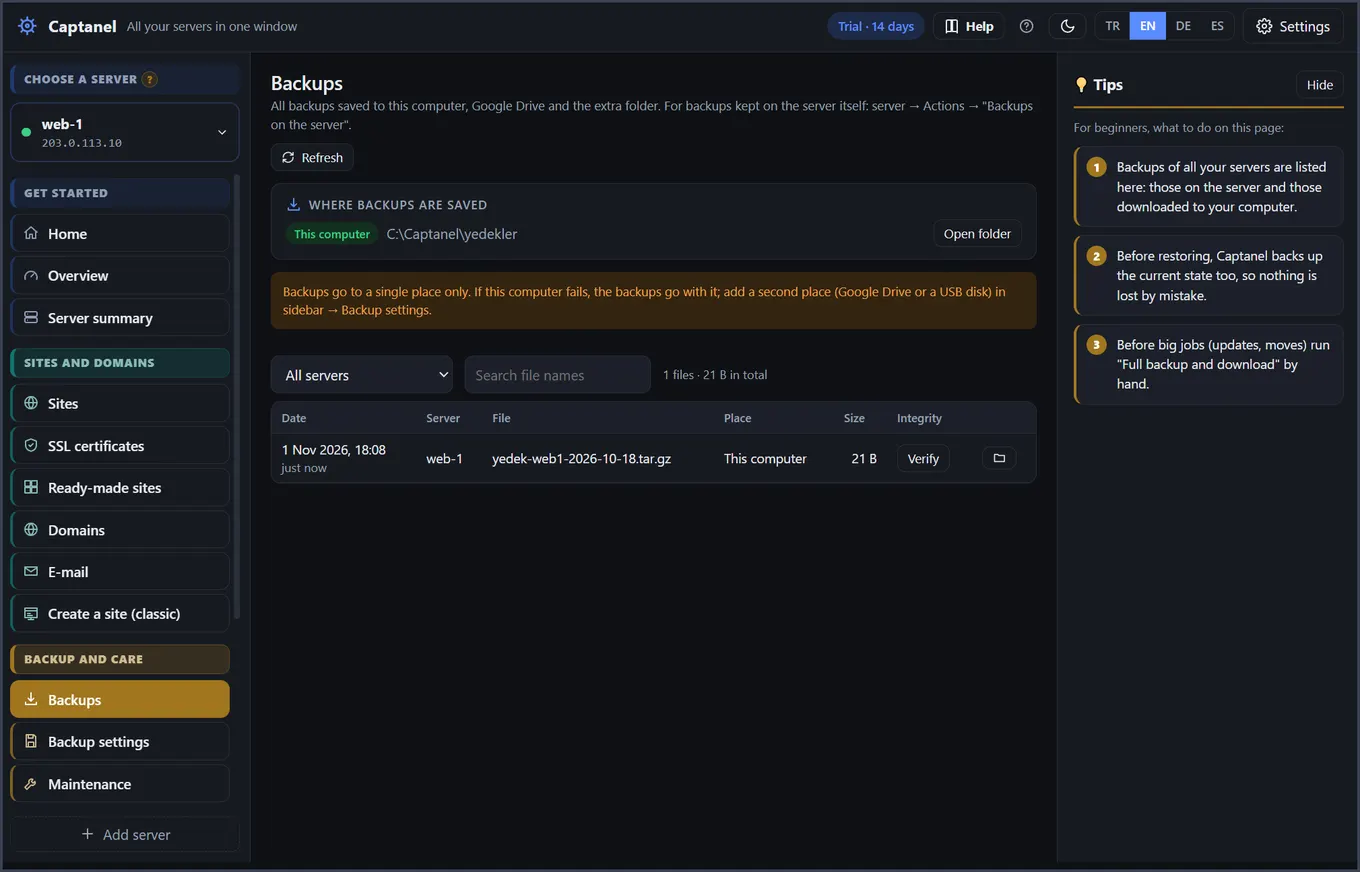
$ mysqldump --single-transaction shop | gzip > backup.sql.gzBackup
$ ufw allow 25565/tcpFirewall
$ systemctl restart minecraftMinecraft
$ fallocate -l 2G /swapfileSwap
✔ Captanel
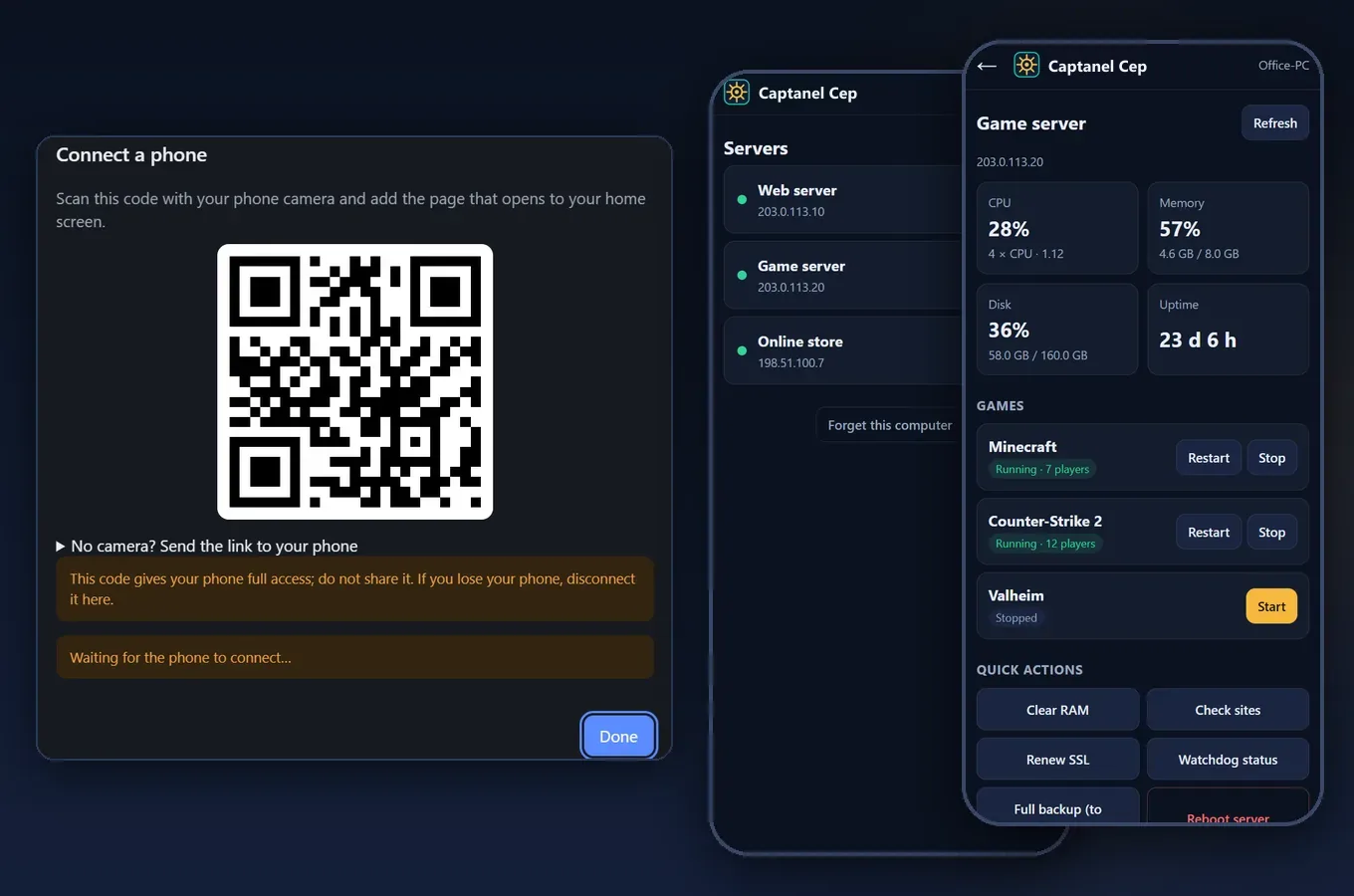
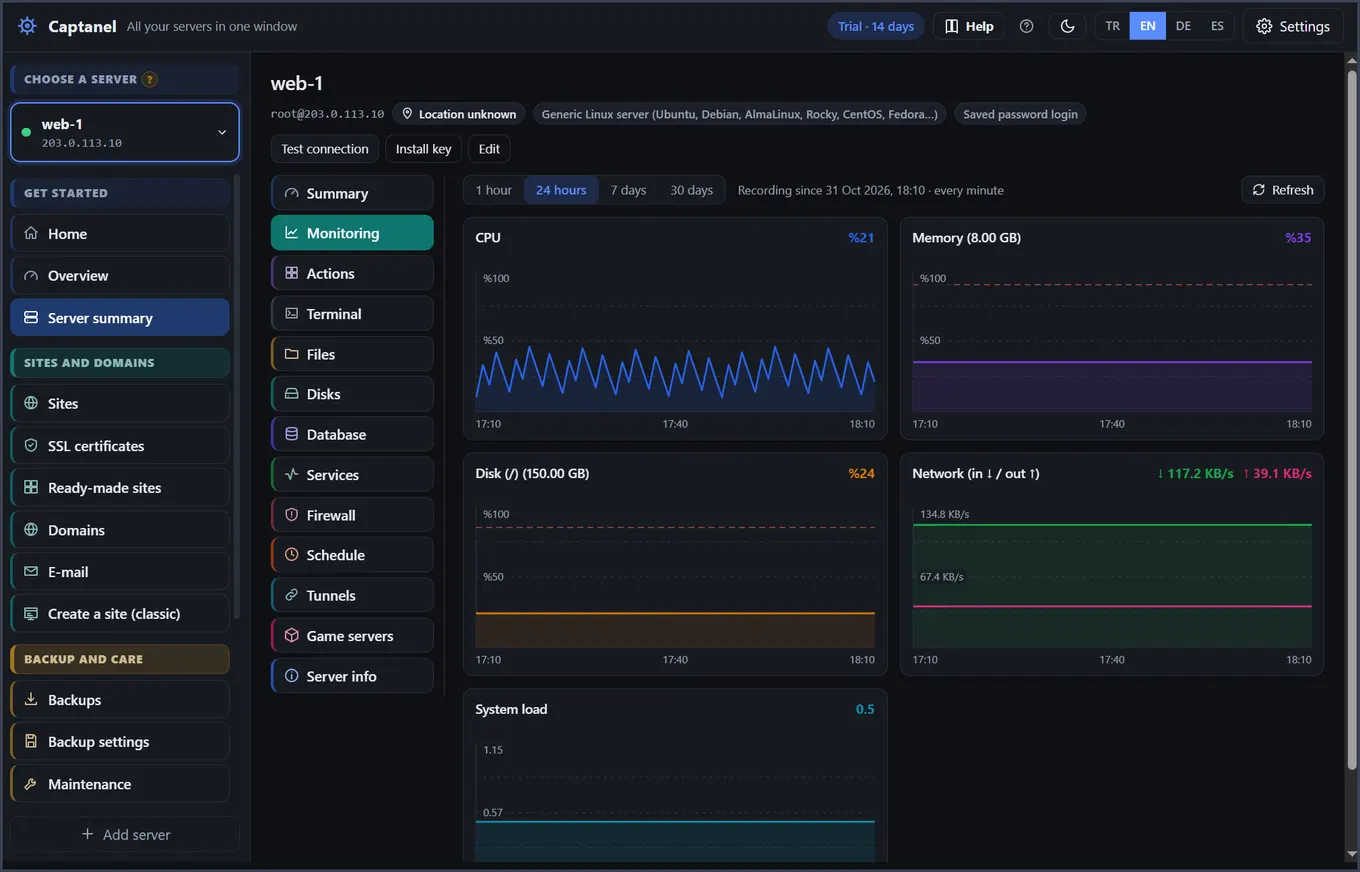
Monitoring and alerts
- Captanel Cep: manage from your phoneCaptanel Cep lets you see your servers’ status from your phone, get a notification when something goes wrong and do urgent tasks (restart a game, a service or the server). It is not downloaded from an app store; it opens in your phone’s browser and is added to the home screen.
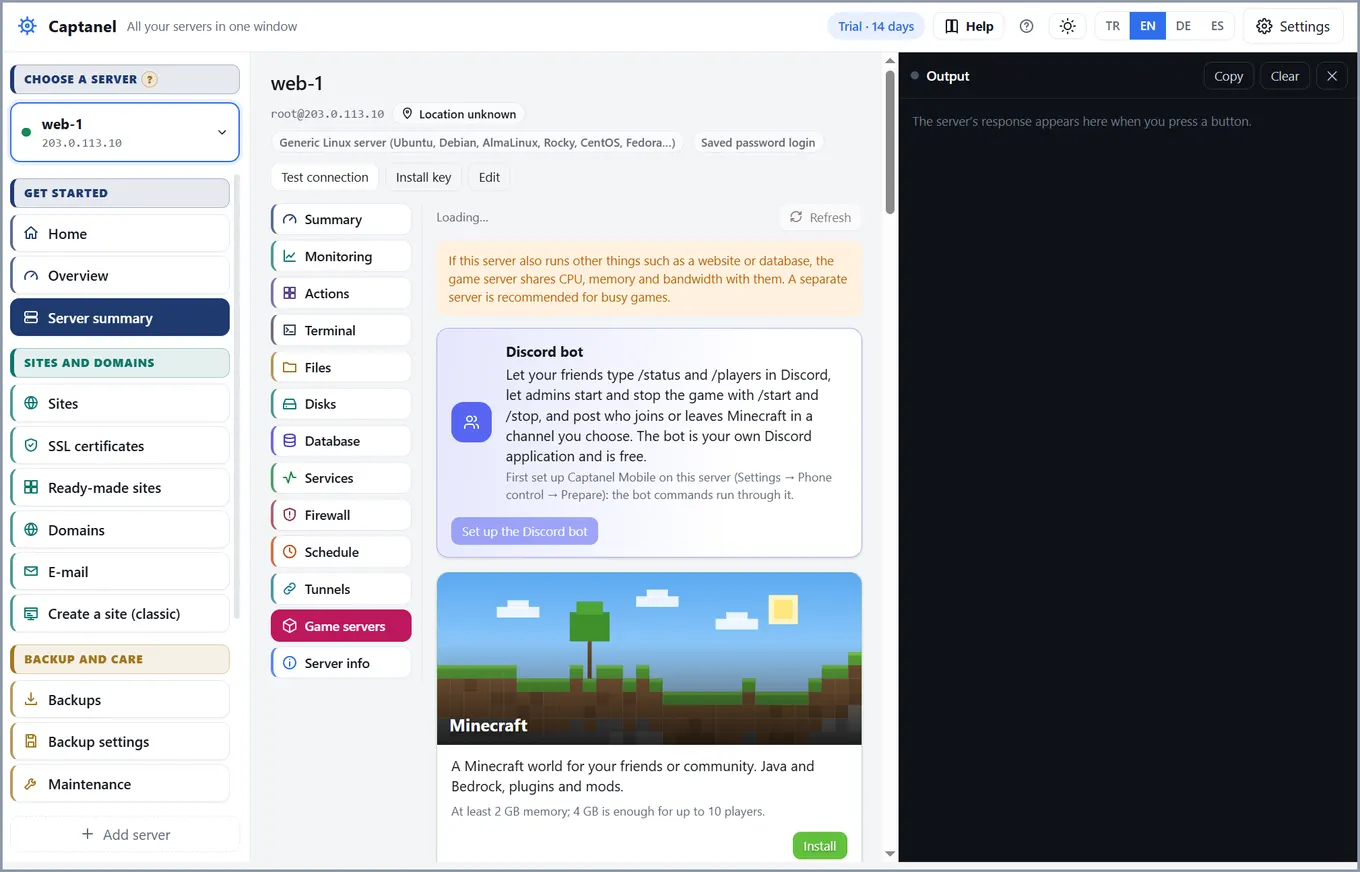
Game servers
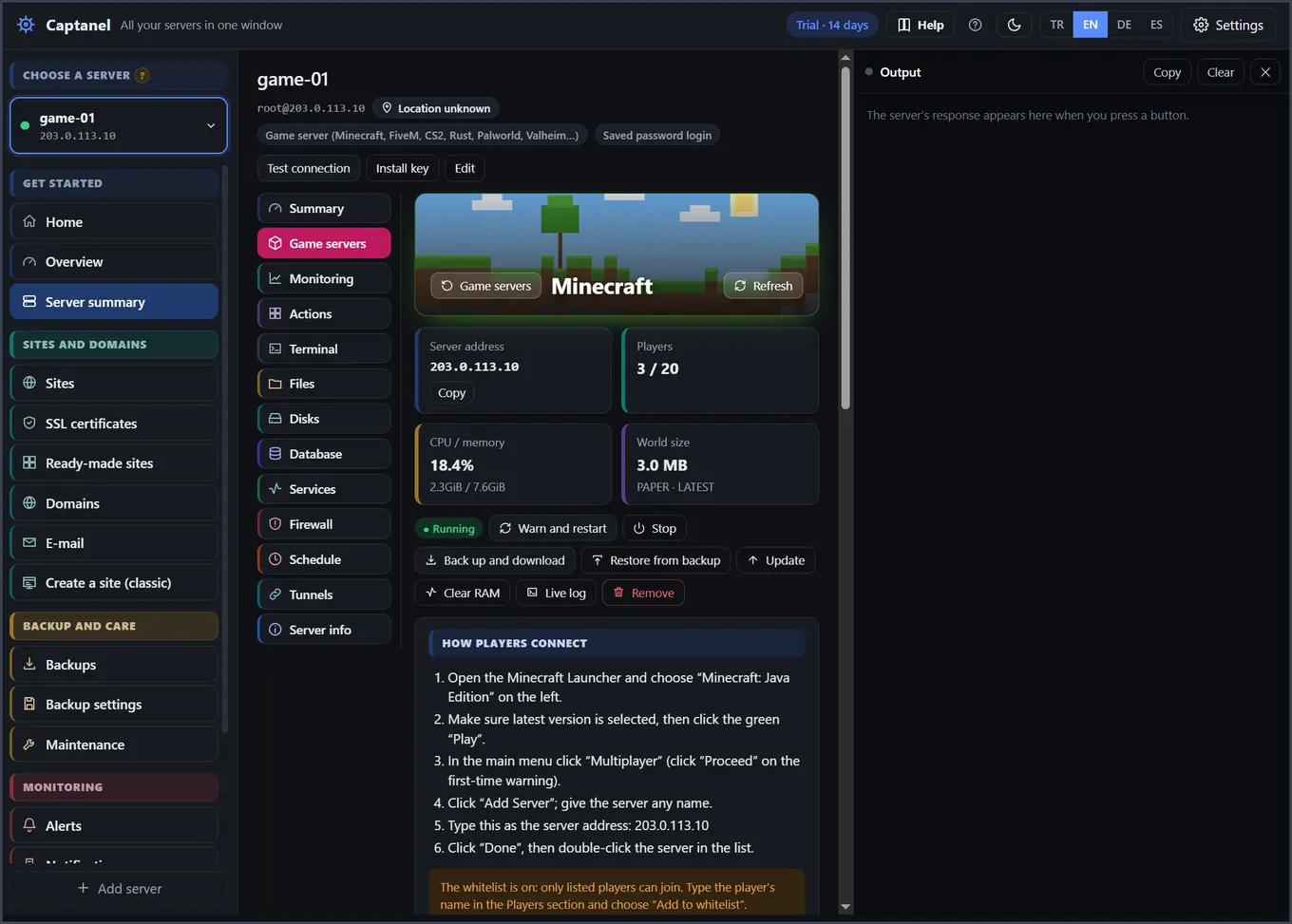
- Game serversEach game’s page has a How players connect card: short steps filled in with your server’s address.
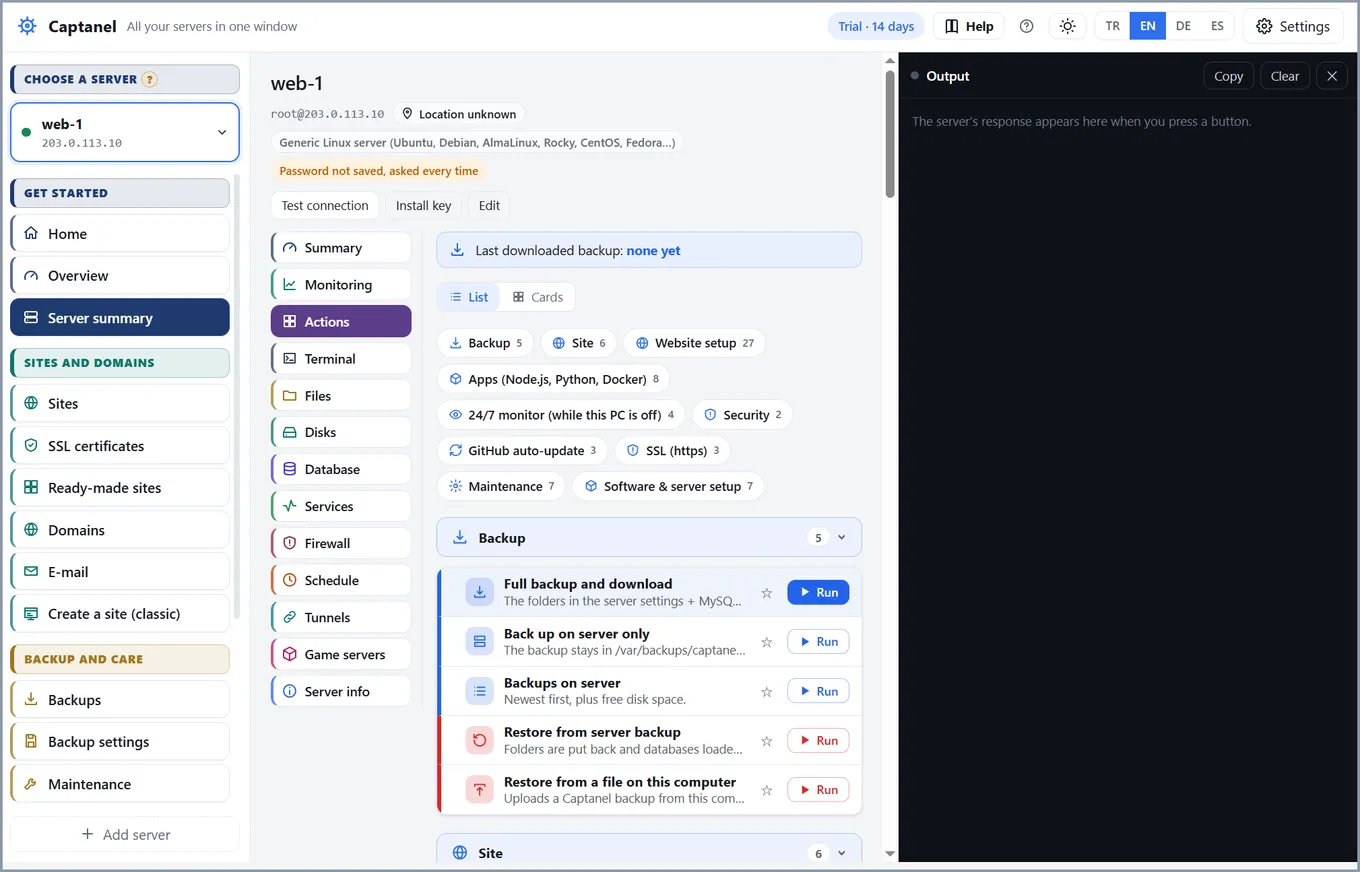
Server tools
- Disks: parts and extra disksYou can split the server’s disk into parts like on a computer and install the game on one part and other things on another. If a part fills up, only what is on it stops; the others are not affected. Open the Disks tab on the server screen.
- Terminal: copy and pasteThe Saved commands on the right run with one click; add your own with Edit commands.
- Memory and swapWhen memory fills up, Linux closes the program using the most memory (a game, a database) and the server may stop answering. Swap prevents this: when memory is full, programs use this reserve area on the disk instead of being closed.
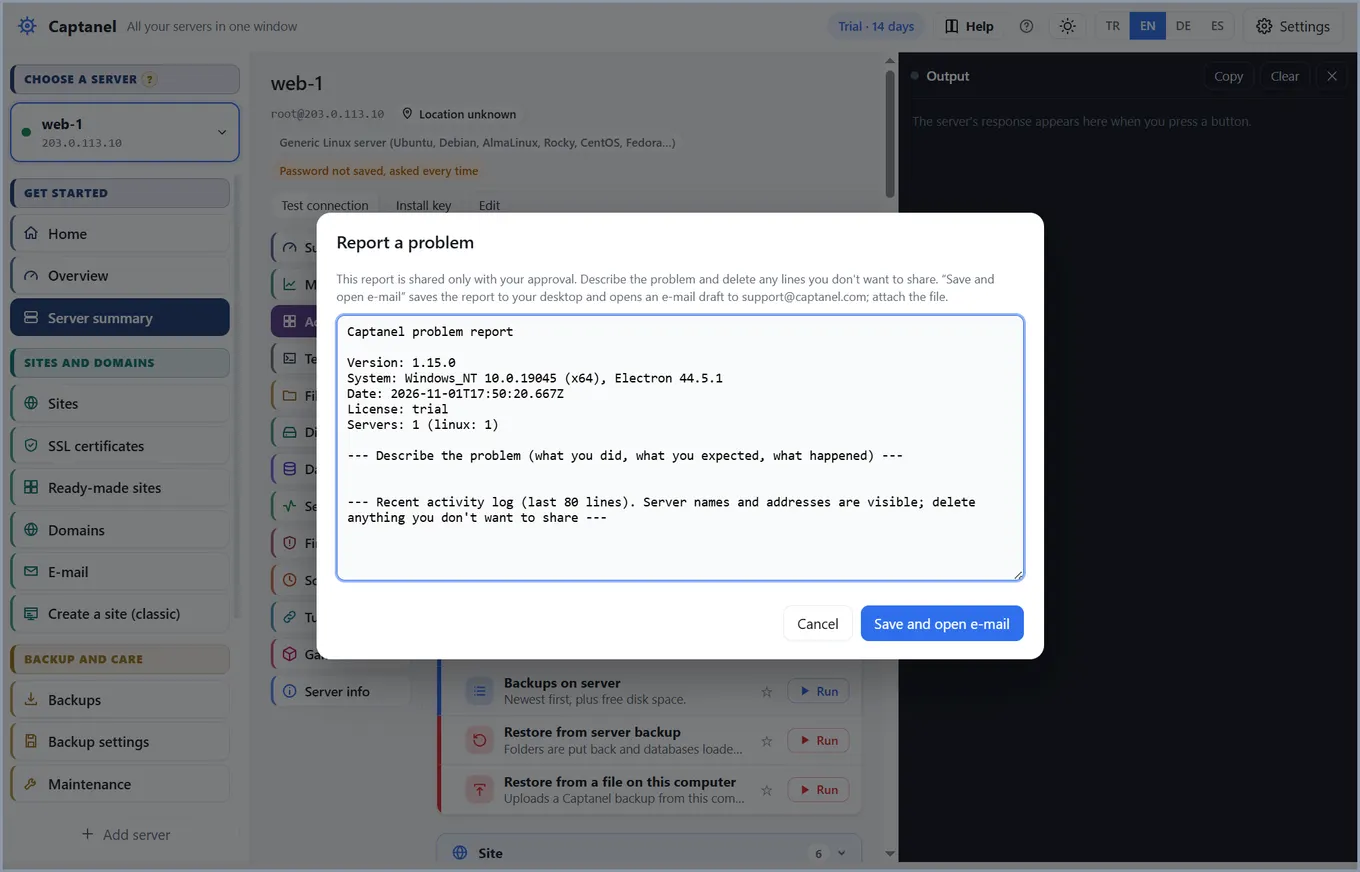
Common issues
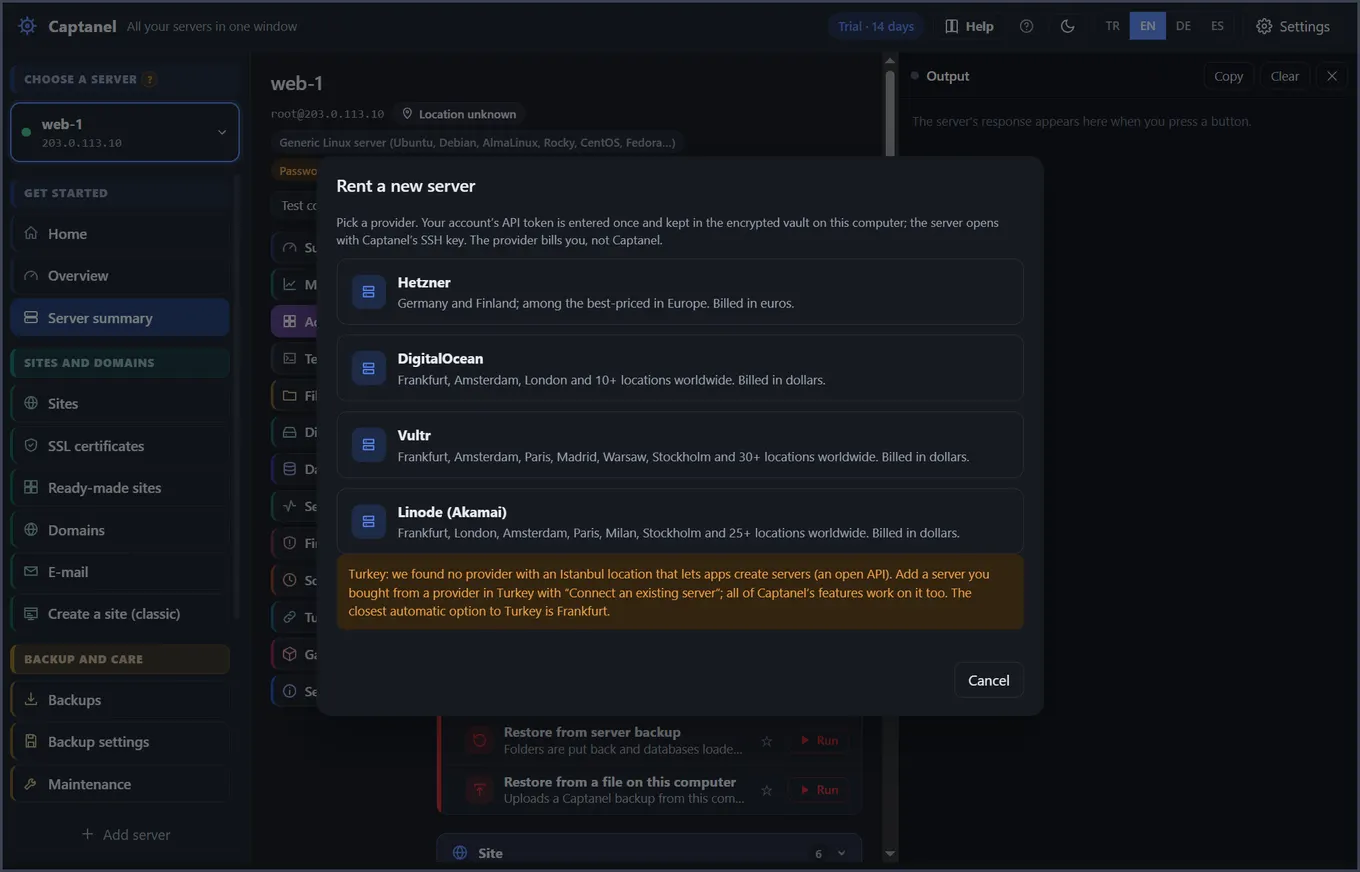
- Common situationsThe password is not accepted on a new Hetzner server: if the server was created with an SSH key, you cannot log in with a password. The easiest way is to rent the server from Captanel (Rent a new server → Hetzner): the key is set up automatically.
No guide matches. Try another word or write to us.
A look inside the app
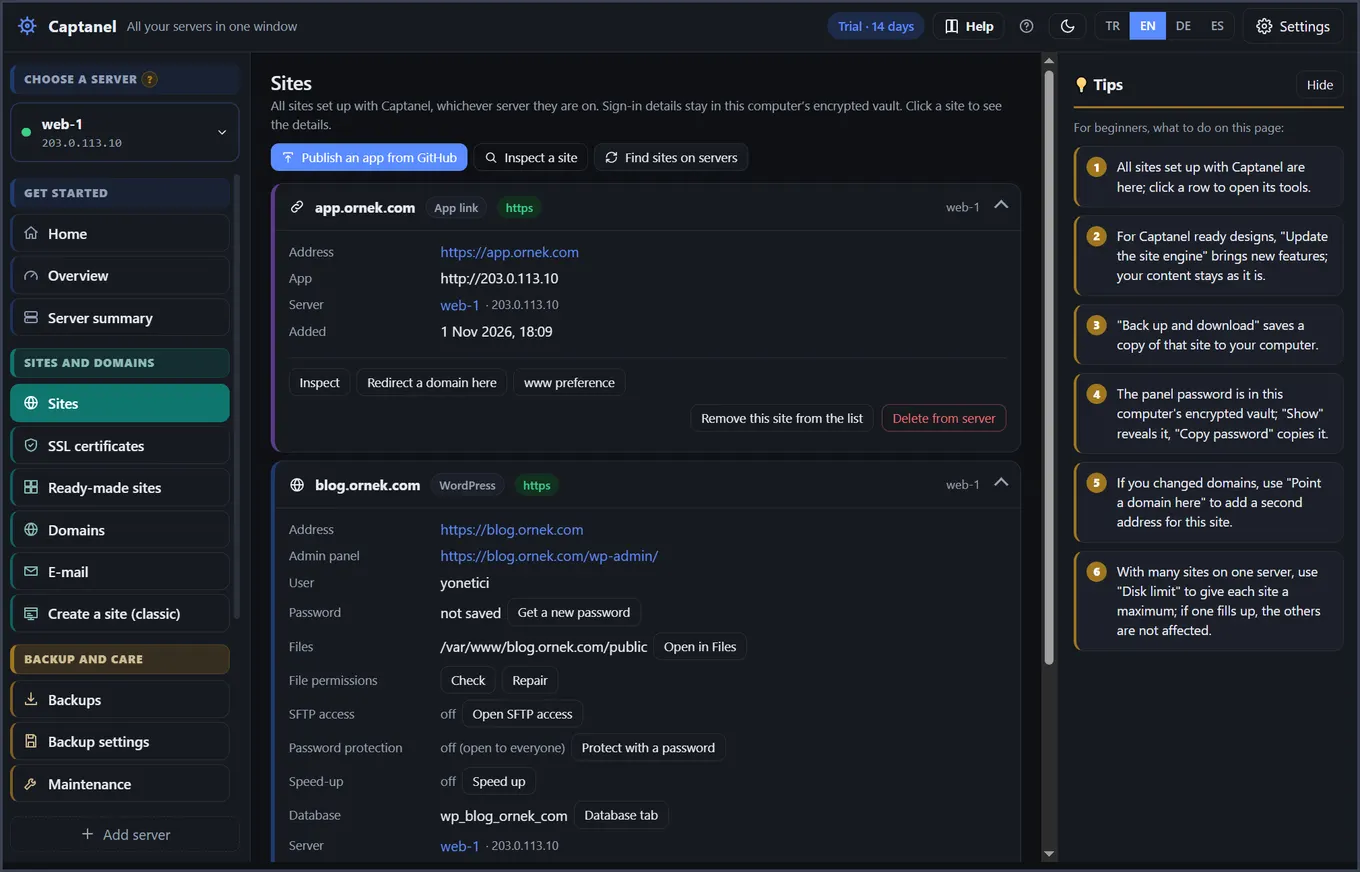
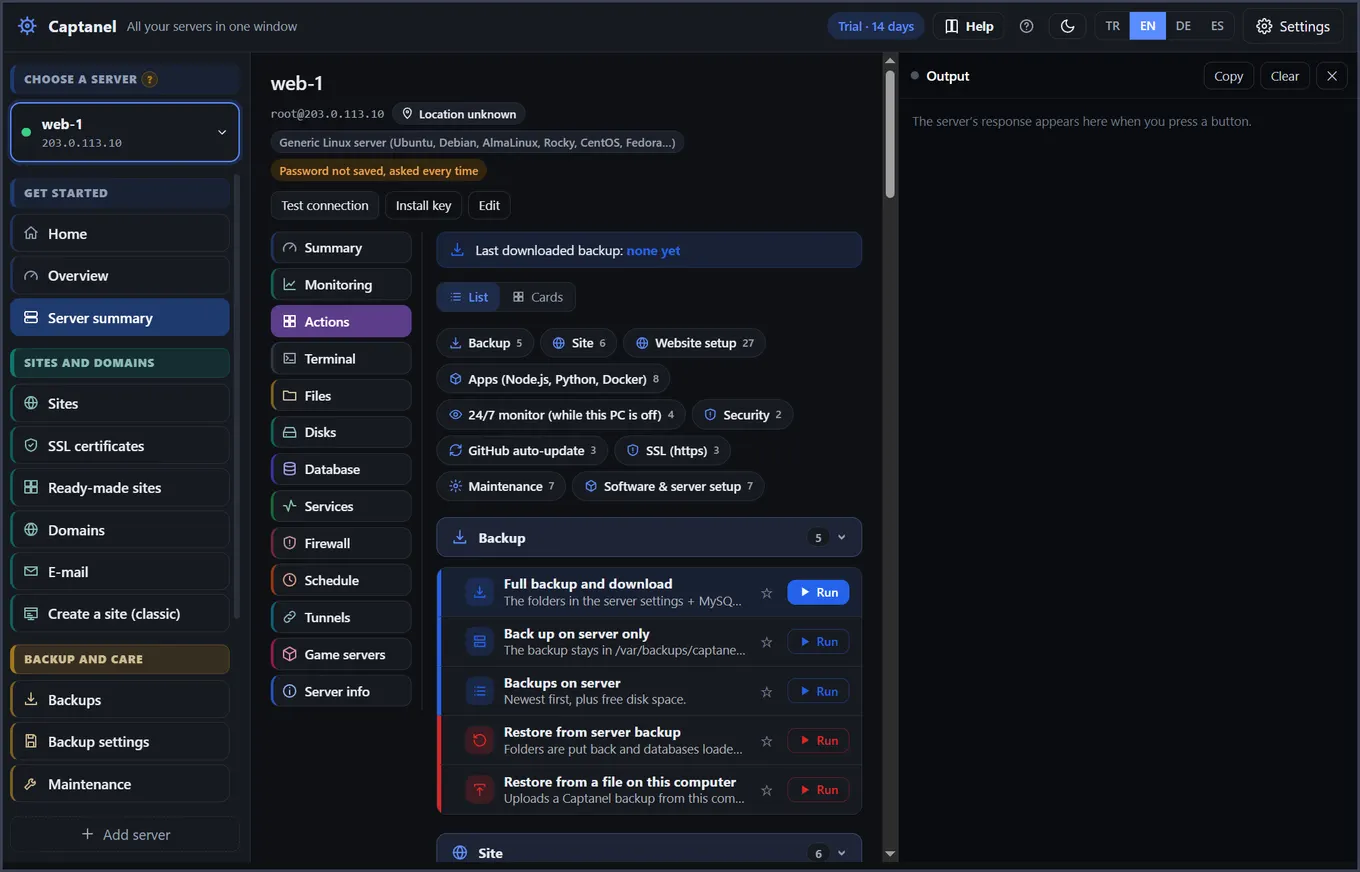
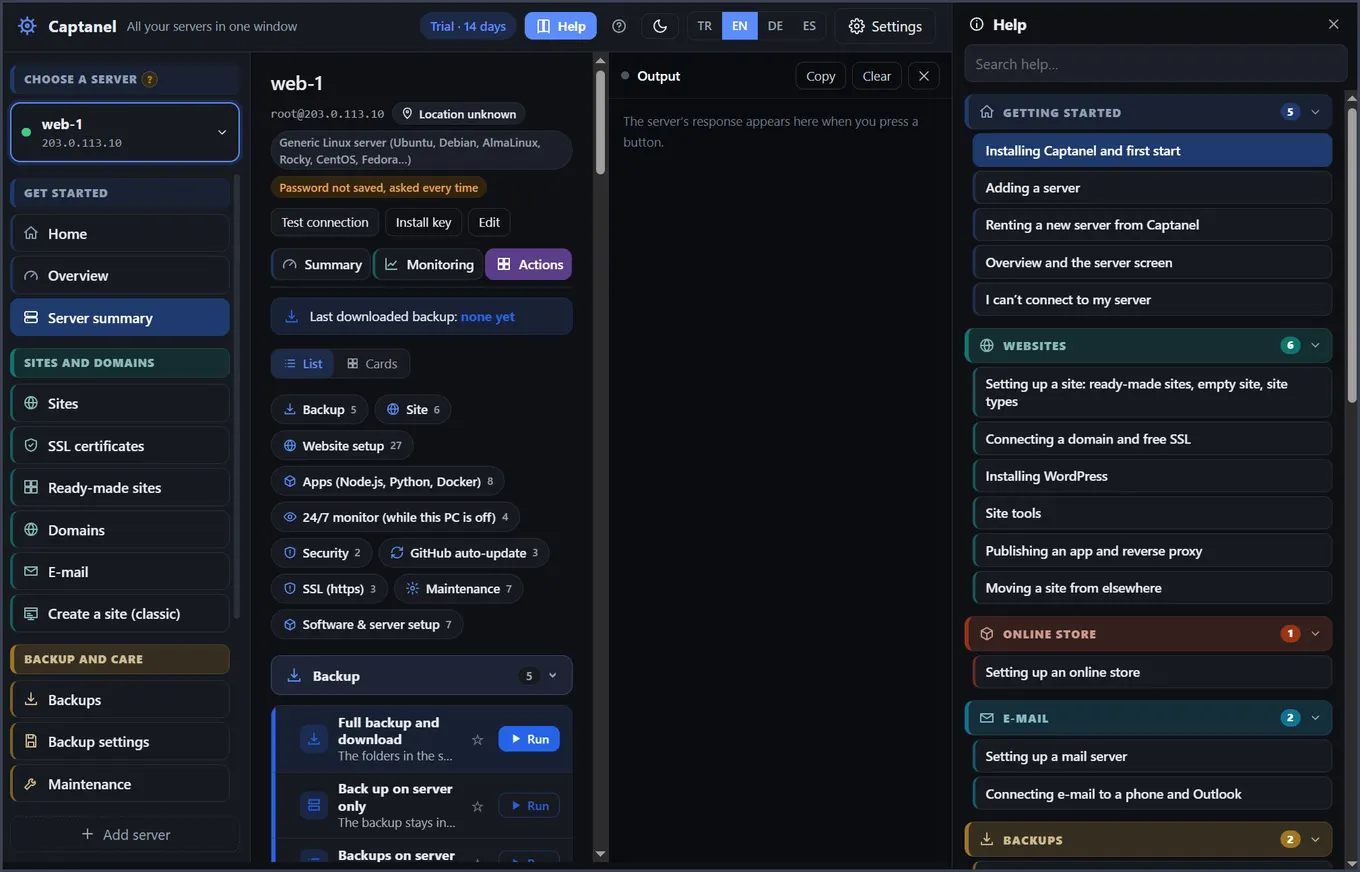
Every guide follows these screens. Click a picture to see it full size.
Your servers in your pocket
Captanel Cep shows your servers on your phone, alerts you when something goes wrong and lets you restart a game, a service or the whole server. End-to-end encrypted, no app store needed.