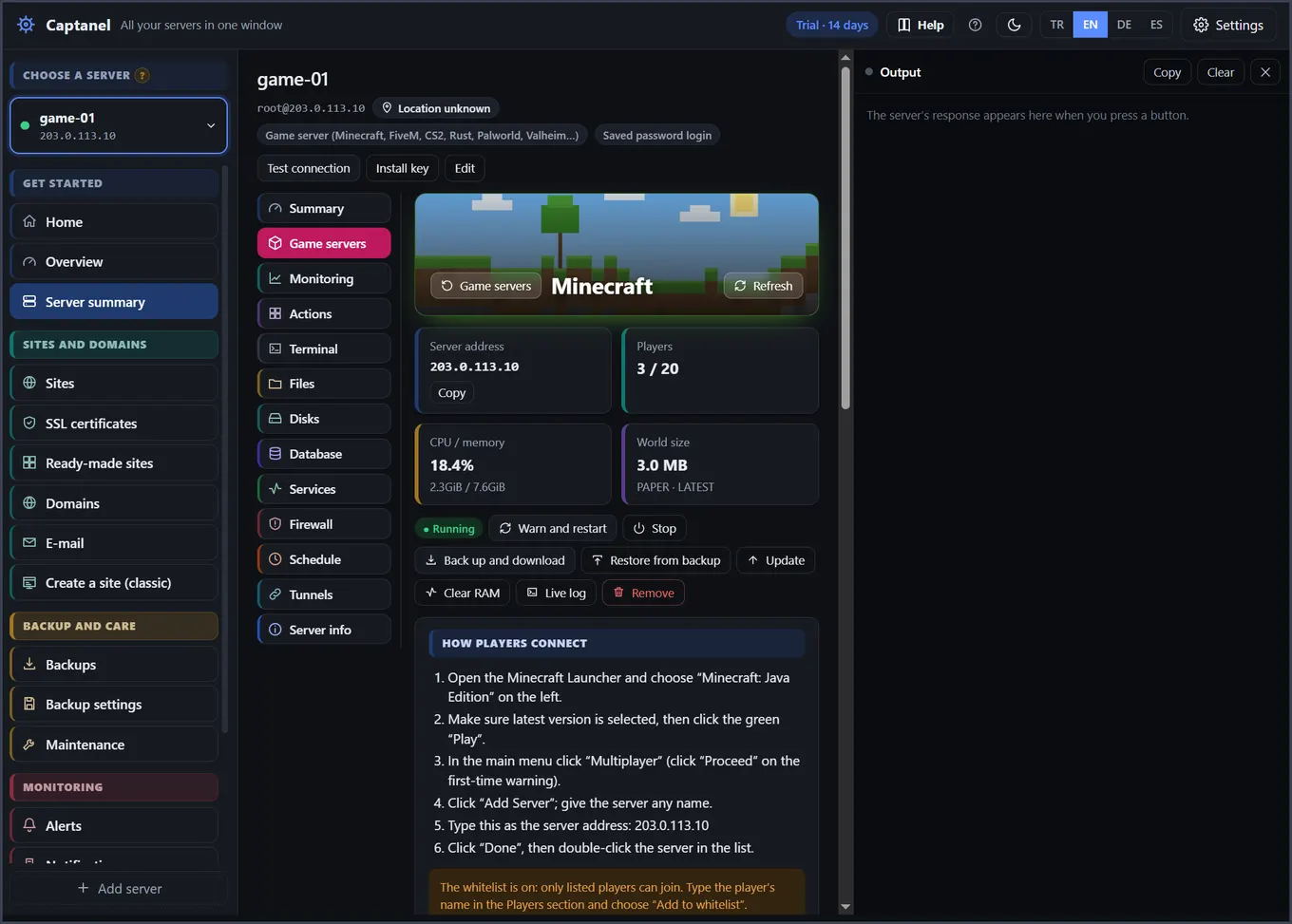
Running your own Minecraft world for friends or a community is more flexible than rented game hosting, and often more economical.
1. Pick a server. For a few friends on Java, 4 GB of memory is a good start. As players and plugins grow, 8 GB or more is comfortable. Choose a location close to your players.
2. Add it to Captanel. Type the server address and login, or create a new server directly from Captanel.
3. Install Minecraft. Game servers → Minecraft. Choose Java or Bedrock, the version, player count and memory; Captanel does the rest. Port 25565 opens for Java, 19132 for Bedrock.
4. Add plugins and mods. With Paper, Spigot or Purpur you get a plugin store; with Fabric or Forge, a mod store. Popular plugins like EssentialsX, LuckPerms and WorldEdit install in one click from Modrinth, in a compatible version.
5. Manage players. See who is online; kick, ban, make operator or add to the whitelist.
6. Do not forget backups. Captanel backs up the world without stopping the game. If something goes wrong, go back to the old world in one click.
7. Restart regularly. Servers left running for long can slow down. Turn on the nightly restart; players get a few minutes' warning.
Besides Minecraft, 11 more games including CS2, FiveM, Rust, Palworld and Valheim install just as easily.
Read more: Set up and manage Minecraft, CS2 and FiveM servers · Try it free for 14 days