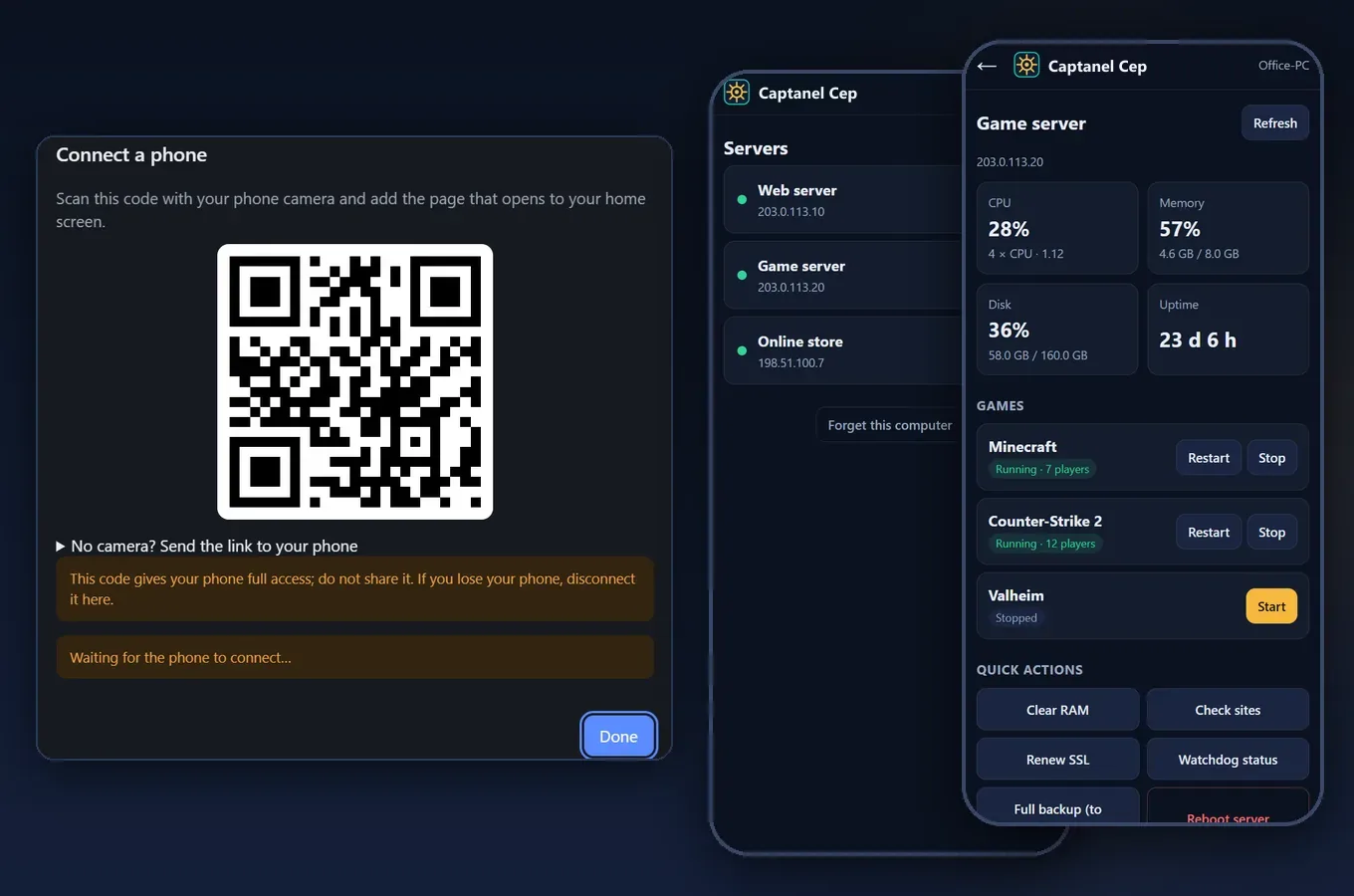
Servers always pick the worst moment: a dinner out, a long drive or a holiday. Your site will not load, players say the server froze, and your computer is at home.
First, see what is going on
Open Captanel Mobile. Your servers are listed: green when up, red when unreachable. Tap one to see CPU, memory, disk and uptime. If memory is full or the CPU is maxed out, this often tells you where the problem is.
Then try the lightest fix
- Game frozen: press "Restart". Players are warned first and the world is saved before the game comes back.
- Site not loading: restart the web server or the database from the services list.
- Memory full: "Clear RAM" frees the cache; sites and games keep running.
- Nothing helped: reboot the server. It takes a few minutes and everything on it starts again.
If your computer is off
If you "Prepared" the server in Captanel once, the phone talks to the server directly; your computer does not need to be on. We recommend doing this before you leave.
Why is it safe?
No server password goes to the phone. Every phone has its own key, and messages are end-to-end encrypted. Only urgent actions are possible from the phone; deleting and restoring stay on your computer. If you lose your phone, disconnect it from Captanel in one click.
Stay informed
With the 24/7 watchdog installed, problems reach your phone before you notice them. The alert comes in, you open Captanel Mobile and fix it in a minute.
Read more: Manage your server from your phone, even with your PC off · Try it free for 14 days